Help Center > Completing an User Access Review

Completing an User Access Review

Squarum Knowledge Base Article

Last Updated: January 8, 2026

Overview

  1. Completing an User Access Review can be done either from the Admin Console or the App Owner Portal.
  2. When completed an email is automatically sent to Admins and App Owners.

How to complete an User Access Review?

Navigate to the User Access Review and click the ‘Complete review’ button.

Completing an user access review

Autogenerating the final report

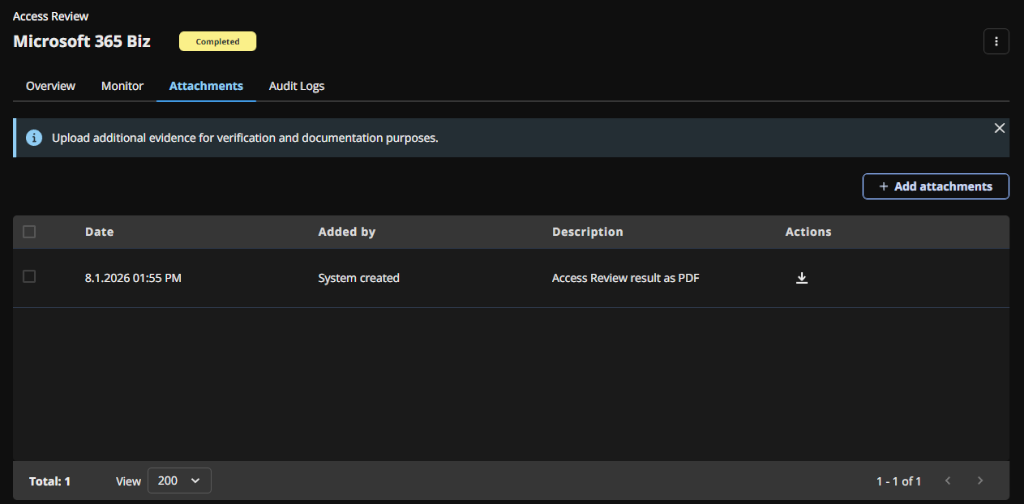
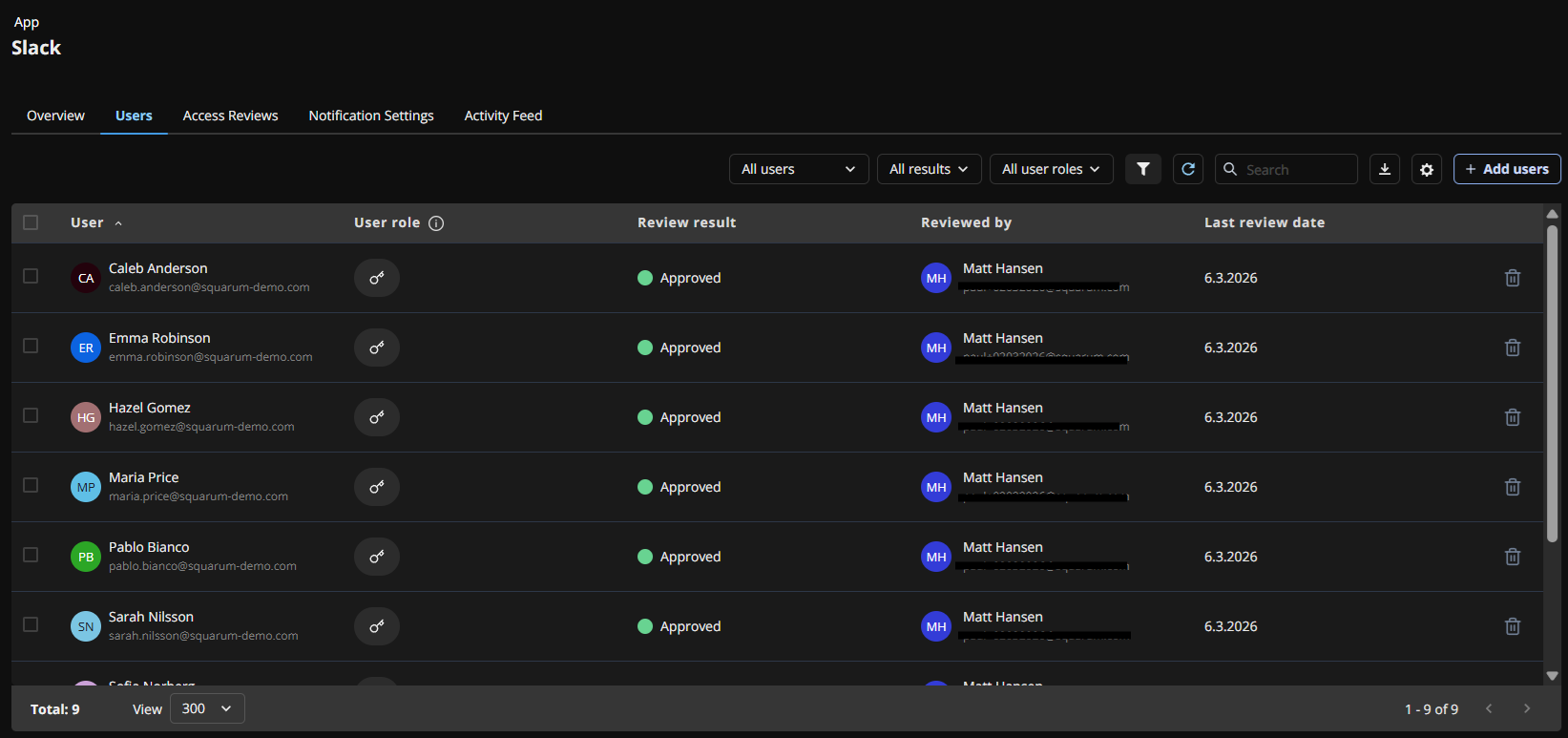
When the User Access Review has been completed, a final PDF report is generated automatically including the user table with roles, review result, review time stamp, and who performed the review.

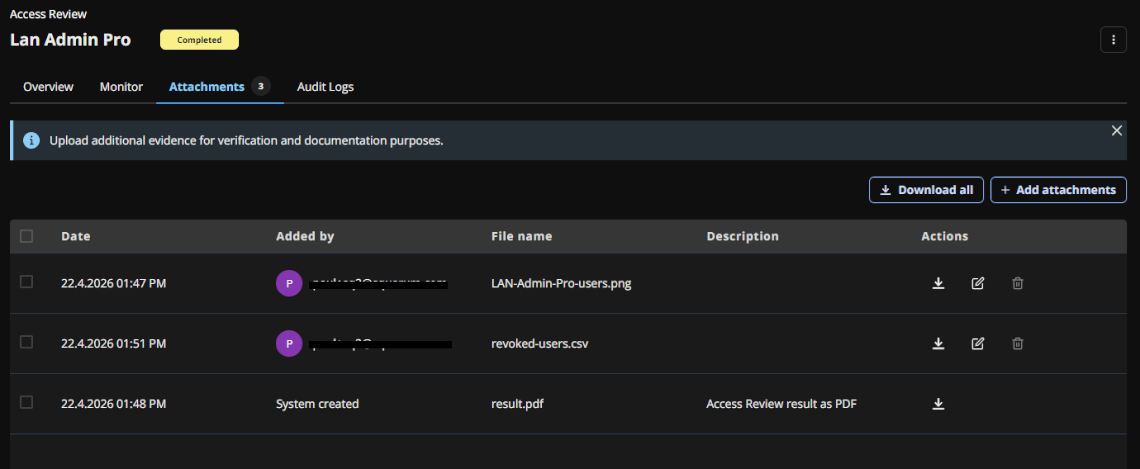
The system created report can be found from the ‘Attachments’ tab.

Completed user access review with final report

Have more questions?

Don’t worry, you can always contact us by email. We are more than happy to assist.

support@squarum.com